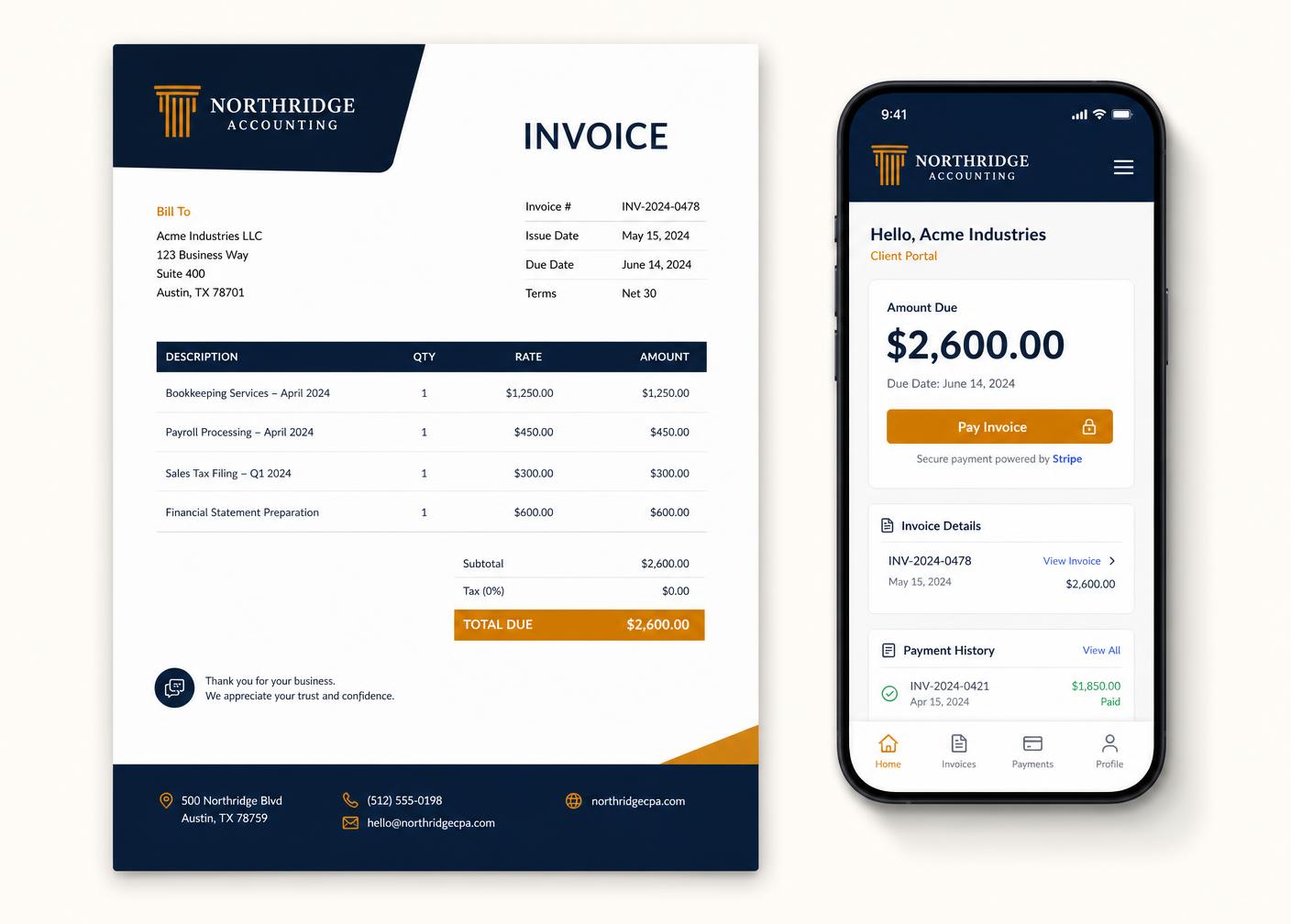
How it works
From first estimate to reconciled payment
QuoteFlow follows the way a job actually runs: you quote it, the client approves it, you invoice it, and the money arrives — with every step recorded.
- 1
Set up your business
Add your logo, registration and VAT numbers, banking details and invoice numbering. Takes about five minutes, and you only do it once.
- 2
Load clients and services
Import a client list from CSV or add them as you go. Build a catalogue of the products and services you sell so documents take seconds to create.
- 3
Send your first quote
Pick a client, add line items, choose a template and send. Your client gets an email with a link to a branded portal where they can approve it.
- 4
Convert and invoice
An approved quote becomes an invoice in one click. VAT, numbering and terms are applied automatically from your settings.
- 5
Get paid online
Your client pays through PayFast, Yoco, Stitch or Paystack in the portal. The invoice is reconciled and marked paid the moment the gateway confirms.
- 6
Let it run
Reminders chase overdue accounts, recurring invoices go out on schedule, and your reports tell you exactly where the money is.
Document lifecycle
Always know exactly where a document stands
Every quote and invoice moves through a clear set of states, and every change is written to the activity log.
Draft
Created but not sent. Watermarked on the PDF so nothing goes out by accident.
Sent
Emailed to the client with a portal link. Delivery is logged on the timeline.
Viewed
The moment the client opens the portal link, the document is marked viewed.
Approved / Partial
Quotes are approved and signed; invoices track part-payments against the balance.
Paid
The gateway confirms and the invoice reconciles itself. A receipt goes out automatically.
Overdue
Past the due date, reminders escalate on the schedule you set — and late fees can apply.
Everyone involved
One system, four points of view
QuoteFlow shows each person exactly what they need and nothing they shouldn't see.
For the business owner
A dashboard showing what you're owed, what's overdue and what's coming in. Create a quote in under two minutes and never wonder whether a client saw it.
For your staff
Staff can draft quotes and invoices and log time against projects, without seeing your full financials or being able to change company settings.
For your accountant
A read-only role with access to reports, VAT summaries and exports — so month-end is a download, not a week of emails.
For your clients
A single link to a branded portal with every document, a running statement and a pay button. No account to create, no password to forget.